Windows Desktop Software · 3-Day Free Trial

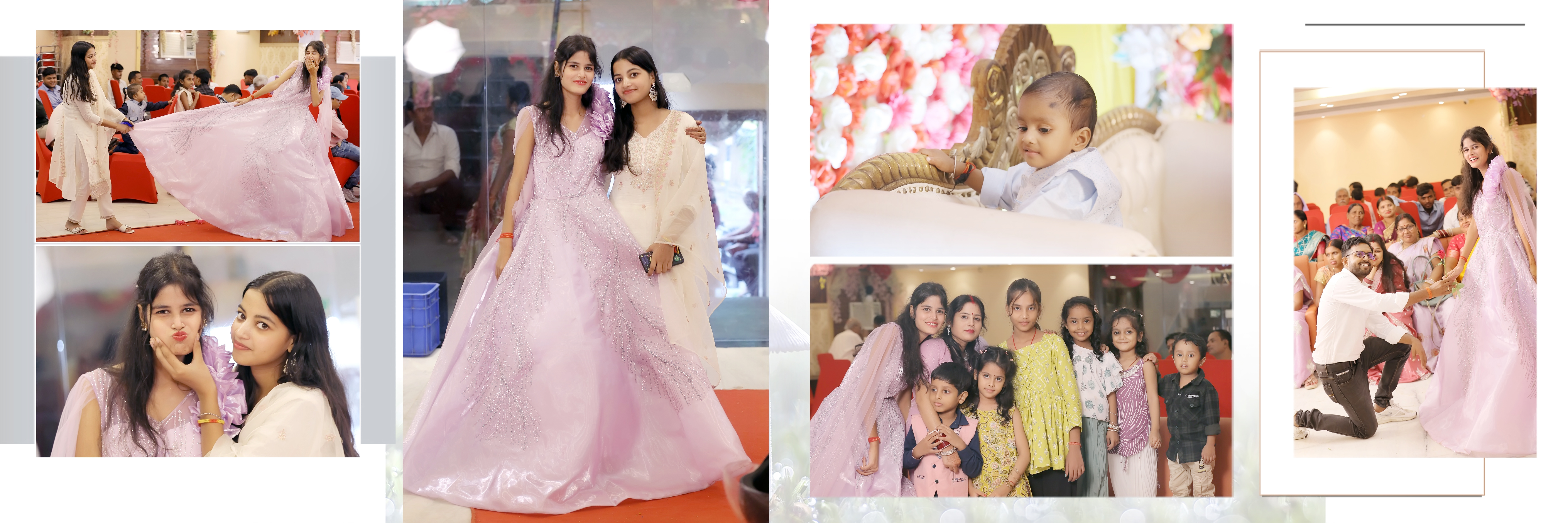
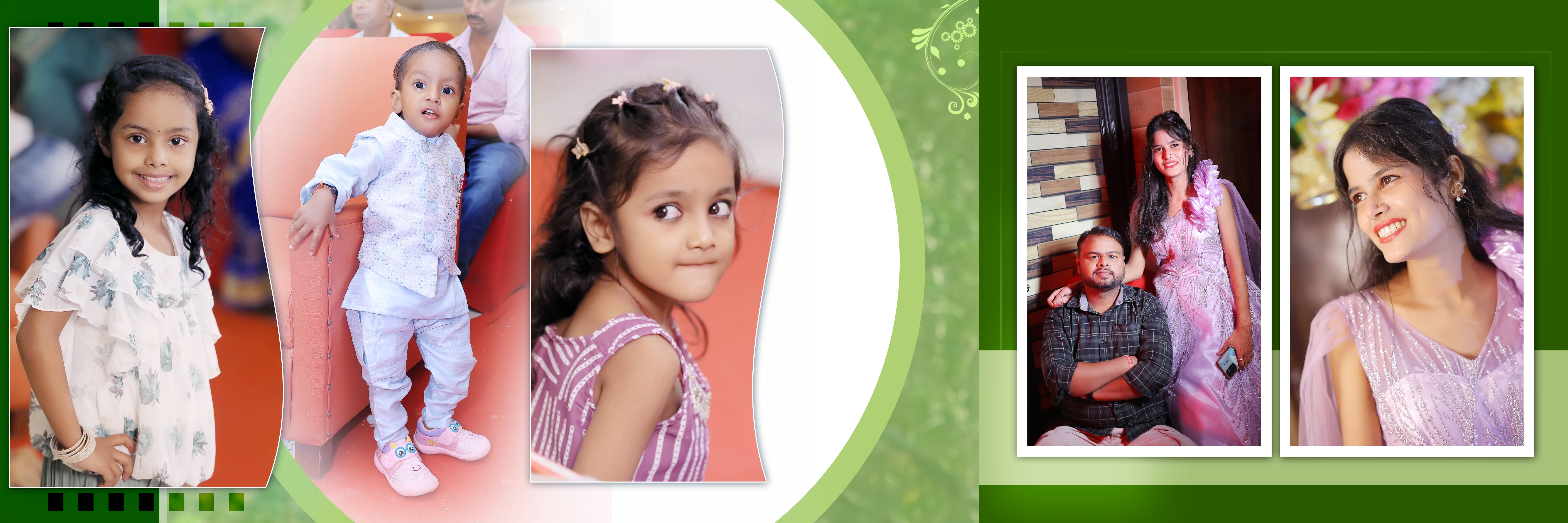
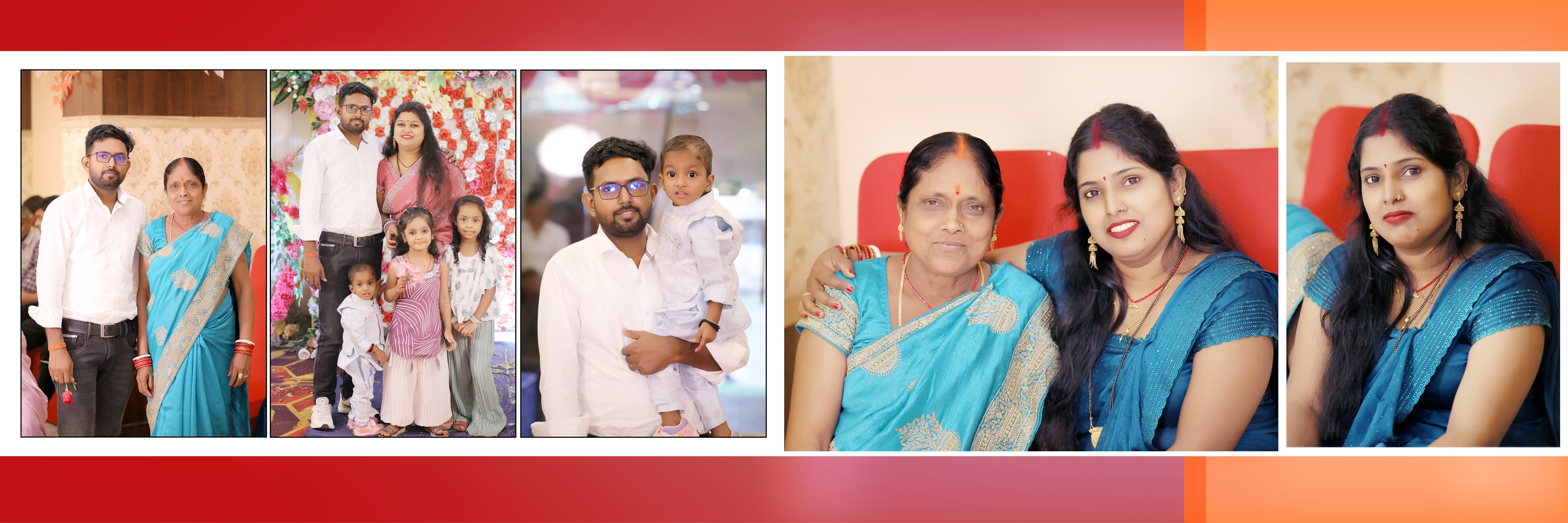
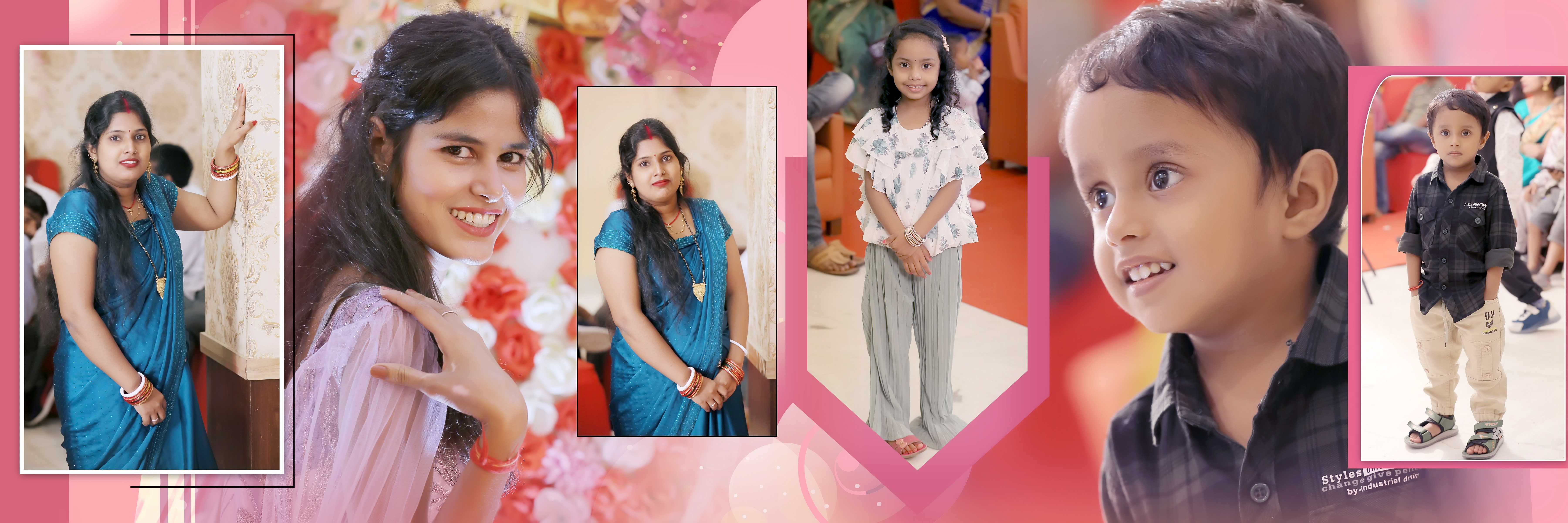
Design Stunning Photo Albums with AI

Professional-grade album design software powered by artificial intelligence. Create breathtaking layouts in minutes, not hours.

3+
Downloads
10,000+
PSD Templates
4.8
User Rating
Editing Point v1.0.0 — Project: Wedding Album
3-Day Free Trial
7-Day Money-Back
Secure Razorpay/Stripe
24/7 WhatsApp Support
Lifetime Free Updates

From photos to album in 4 steps

No design skills needed. Drag, drop, done.

01

Import Photos

Drop your wedding/event photos. We auto-detect faces & best shots from hundreds of images.

02

Pick a Template

Choose from 500+ premium PSD templates — Wedding, Pre-Wedding, Birthday, Festival & more.

03

AI Auto-Layout

Our AI arranges photos beautifully across pages. Adjust, edit, swap — full control in your hands.

04

Export HD PSD

Download print-ready PSD/JPG at 300 DPI. Send straight to your printer. Done!

Everything You Need to Design

Professional tools powered by AI that make album creation fast, beautiful, and effortless.

AI-Powered Layouts

Our intelligent engine analyzes your photos and creates perfectly balanced layouts automatically. Face detection ensures no one gets cropped out.

500+ PSD Templates

Premium professionally designed templates for every occasion — weddings, birthdays, portfolios, and more. AES-256 encrypted for security.

Smart Color Correction

AI-driven color grading, skin smoothing, and LUT-based filters that make every photo look its absolute best.

Auto Background Removal

One-click background removal powered by U2-Net neural network. Perfect cutouts for creative compositions.

Print-Ready Export

Export at 300 DPI for professional printing. Support for standard album sizes or custom dimensions.

Offline-First Design

Works completely offline after activation. No cloud dependency — your projects stay on your machine, fast and private.

Built for every kind of photographer

Wedding Photographers

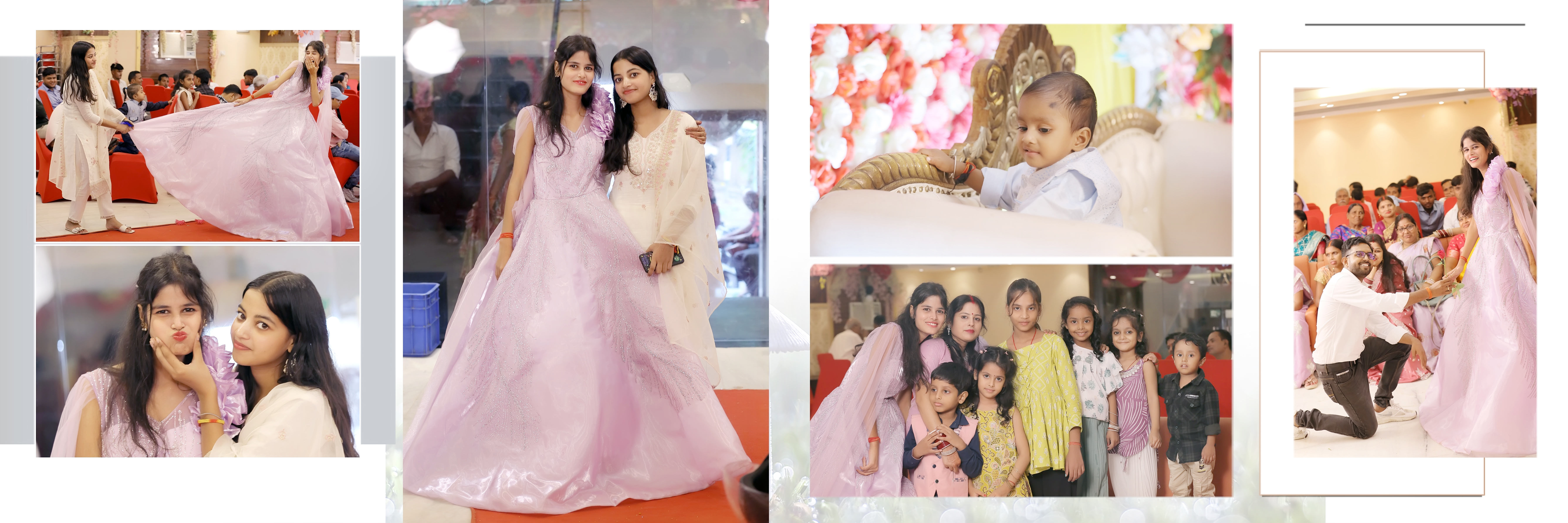
Deliver 50-page wedding albums in hours, not days. Auto face-sort by ceremony, reception, candid.

Most Popular

Studio Owners

Run multiple album projects in parallel. Team collaboration, bulk export, white-label PDF previews for clients.

Pro Feature

Freelance Editors

Take on more clients without burning out. AI handles repetitive layouts, you focus on creative edits.

Time Saver

Pre-Wedding Specialists

Cinematic templates with film grain LUTs. Designed for couples shoots — Goa, Udaipur, mountain themes.

Trending
Trusted by 700+ Studios across India

Editing Point vs Others

See why 500+ studios switched from Photoshop & Canva.

Feature Editing Point Photoshop Canva Manual Design
Time per 30-page Album~2 hours1-2 days4-6 hours3-5 days
AI Auto-Layout Yes No Basic No
500+ PSD Templates Included Paid Separately Limited Free No
300 DPI Print-Ready Export Yes Yes No Manual
Works Offline Yes Yes No Yes
Color LUTs Included 50+ Paid No No
Learning Curve Easy (1 hr) Steep (weeks) Easy Hard
Price (Indian Photographers)₹999/yr₹20,000/yr₹8,000/yr

Simple, Transparent Pricing

Start with a free trial. Upgrade when you're ready.

Trial
0/mo
0/year
  • 3 Projects
  • 500 MB Storage
  • AI Layout Generation
  • 14-day license
Get Started
Basic
499/mo
4,999/year
  • 20 Projects
  • 2 GB Storage
  • AI Layout Generation
  • HD Export (300 DPI)
  • 365-day license
Get Started
Studio
1,999/mo
19,999/year
  • Unlimited Projects
  • 50 GB Storage
  • AI Layout Generation
  • HD Export (300 DPI)
  • Color LUTs
  • Batch Processing
  • 365-day license
Get Started
7DAY
REFUND
3DAY
FREE TRIAL
FREE
UPDATES

100% Risk-Free Purchase

Try Editing Point for 3 days completely free. Not happy after buying? Get a full refund within 7 days — no questions asked. Plus, lifetime free version updates.

Loved by Photographers

"This software cut my album design time by 70%. The AI layouts are incredibly smart — clients love the results."
R
Rajesh Sharma
Wedding Photographer · Sharma Studios
"We switched from manual Photoshop work to Album Designer. The template quality is outstanding and exports are print-perfect."
P
Priya Patel
Studio Owner · PixelPerfect
"Best investment for my photography business. The offline mode means I can work anywhere, even at remote shoot locations."
A
Amit Kumar
Freelance Photographer

Will it run on your PC?

Designed for everyday Windows machines. No fancy GPU needed.

OS
Windows 10 / 11
64-bit
RAM
4 GB Min
8 GB Recommended
Processor
Intel i3 / Ryzen 3 or higher
Storage
2 GB Free
SSD Recommended

Frequently Asked Questions

We offer a 3 -day free trial with all Pro features (exports are watermarked). After the trial, choose a plan that suits your workflow.

Yes! After initial license activation (requires internet), the software works completely offline. Internet is only needed for template downloads and software updates.

Windows 10/11 (64-bit), Intel Core i5 or AMD Ryzen 5, 8GB RAM minimum (16GB recommended), and 2GB free disk space. .NET 8 runtime is bundled with the installer.

Absolutely. You can import your own custom PSD files alongside our professionally designed template packs.

Each license key is bound to one machine (hardware ID). You can request an HWID reset if you change your computer. Licenses are available in monthly and yearly plans.

We accept payments via Razorpay (UPI, cards, net banking for India) and Stripe (international cards). Manual bank transfer is also available.

Latest Articles

Tips, tutorials, and product updates from our team.

About Editing Point

About Us – Editing Point

Welcome to EditingPoints.com — a professional platform dedicated to Advanced AI Album Designing Software, creative photo editing resources, and modern design solutions for photographers and album designers.

At EditingPoints.com, our goal is to simplify and improve the workflow of photographers, photo editors, studio owners, and creative professionals by providing powerful AI-based tools and premium design resources. We combine creativity with technology to help users create professional-quality wedding albums and photo edits quickly and efficiently.

Our platform offers advanced solutions including AI Album Designing, Background Removal, Photo Retouching, Color Correction, Photo Enhancement, and creative editing resources designed especially for the wedding photography industry.

We proudly provide access to a massive collection of 10,000+ Premium PSD Files, helping designers create stunning and modern wedding album layouts with ease. Whether you are a beginner or an experienced professional, EditingPoints.com gives you the tools and resources needed to achieve high-quality results with a faster workflow.

What We Offer

  •  Advanced AI Album Designing Software 
  •  AI-Powered Background Remove Tools 
  •  10,000+ Premium PSD Design Files 
  •  Professional Wedding Album Design Resources 
  •  Photo Retouching & Color Correction Tools 
  •  AI Photo Enhancement Features 
  •  Fast, Easy & User-Friendly Workflow 
  •  Creative Resources for Photographers & Designers 

Our Vision

At EditingPoints.com, we aim to empower photographers and creative professionals with innovative AI solutions and modern design resources that save time, increase productivity, and deliver professional-quality results.

Why Choose EditingPoints.com?

  •  Professional & Easy-to-Use Platform 
  •  Modern AI-Based Editing Technology 
  •  Huge Collection of Premium PSD Files 
  •  Fast & Time-Saving Workflow 
  •  High-Quality Design Resources 
  •  Regular Updates & Creative Support 
  •  Trusted Platform for Album Designers 

EditingPoints.com is more than just a website — it is a complete creative destination for photographers, album designers, and photo editing professionals who want to create impressive and professional work with modern AI technology.

EditingPoints.com – Create. Design. Impress.

Get Editing Point

v1.0.0
120 MB Windows 10/11 3 downloads
12 photographers downloading right now
Windows 10/11 (64-bit) · 8GB RAM · .NET 8 Runtime

Get 5 Free PSD Templates

Join 10,000+ photographers. Drop your email and we will send 5 premium wedding PSDs to your inbox right now — completely free.

No spam. Unsubscribe anytime.